Urgent isn't important.
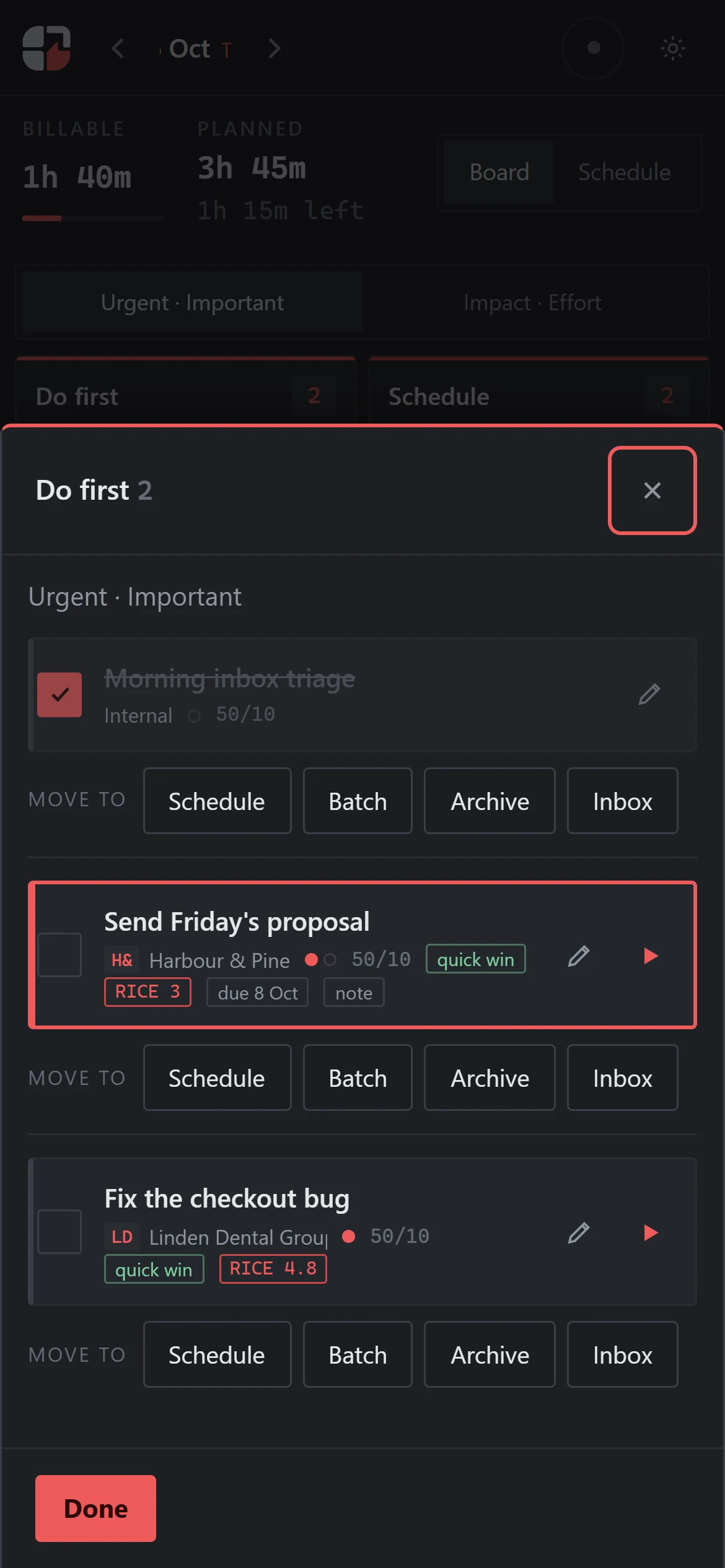
- Do: the deadline that needs you today.
- Plan: the work that matters but never has a deadline.
- Delegate: hand off or batch the requests that don't need you.
- Drop: the thing you'll never do.
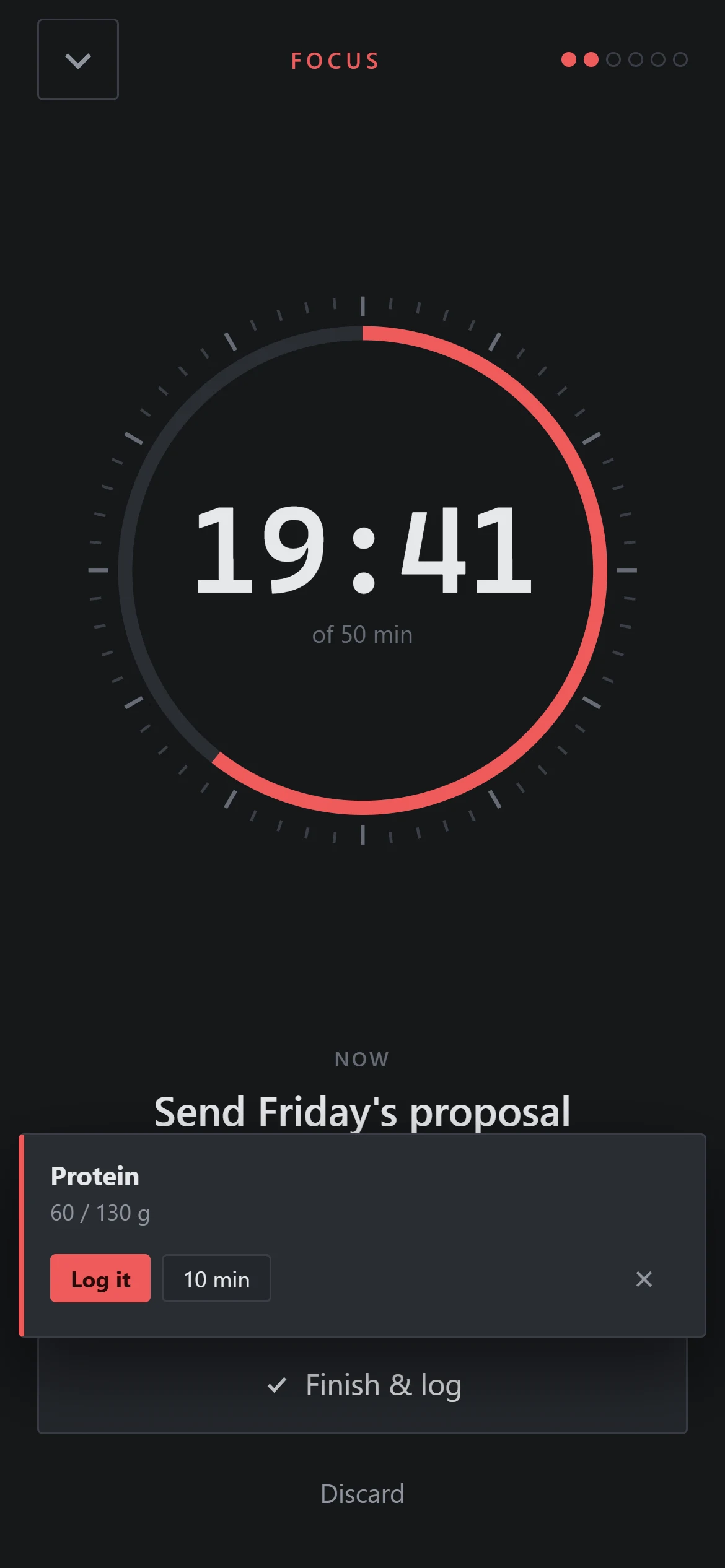
Drag each task into a box, start the timer, and see where your time really went. One calm board for anyone with more to do than hours to do it.
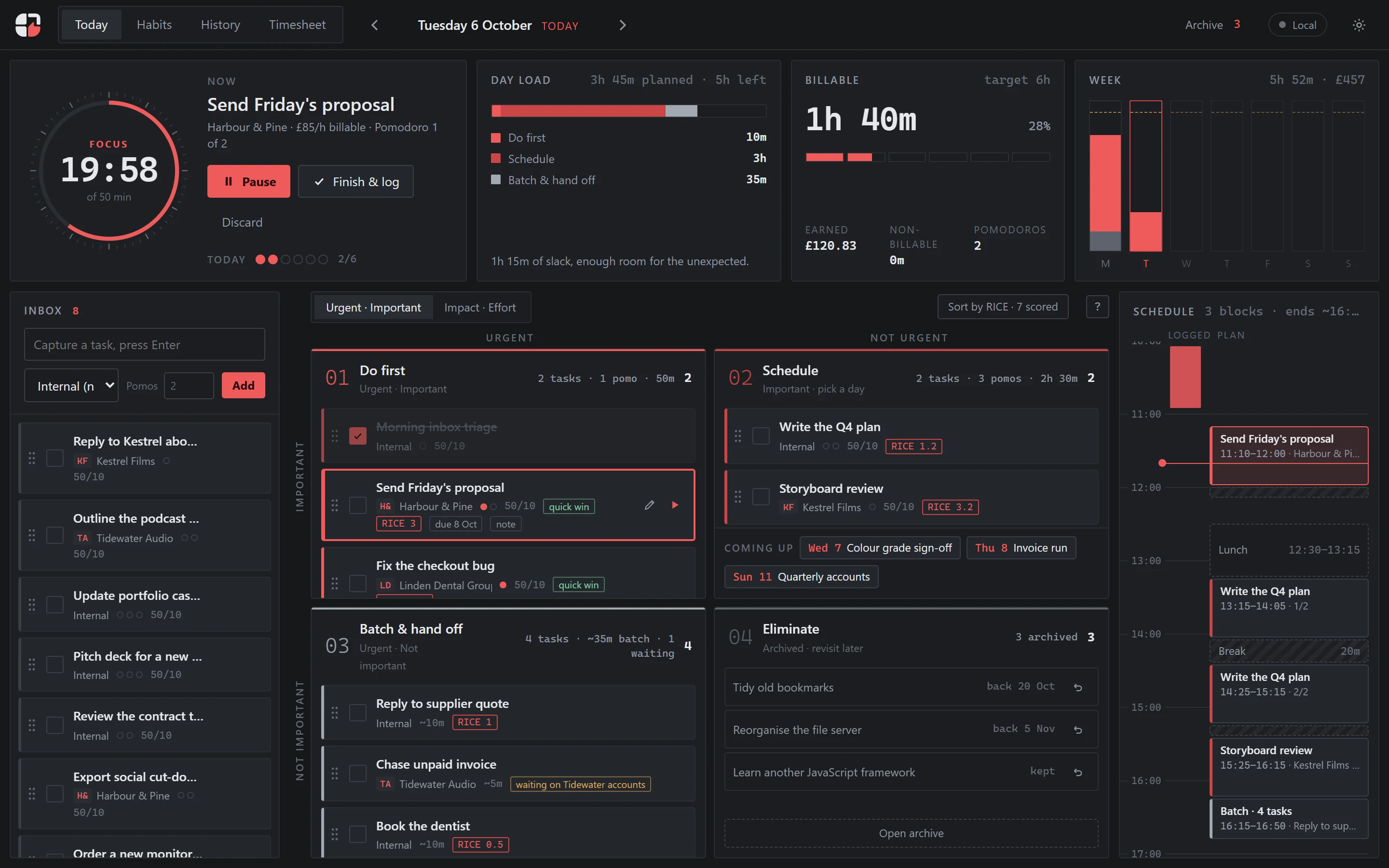
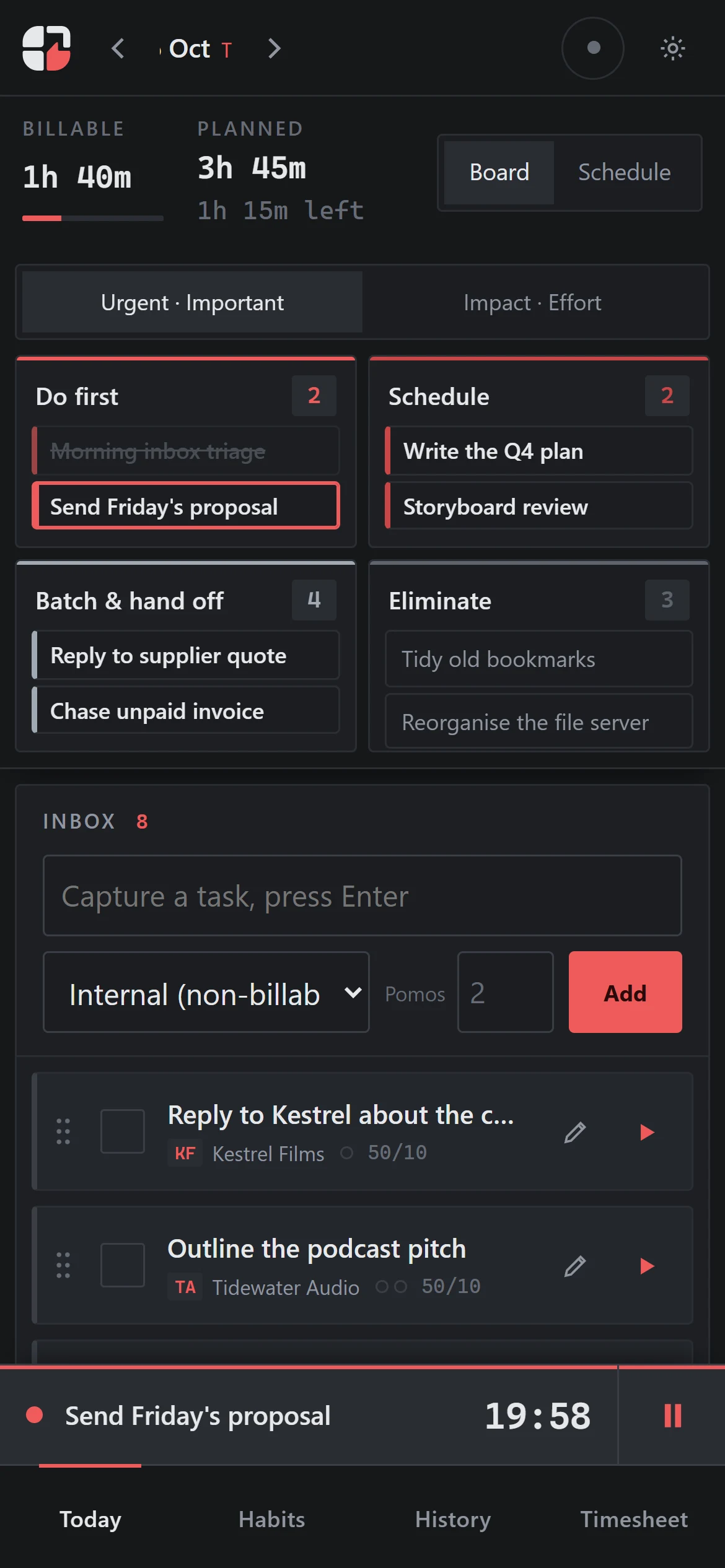
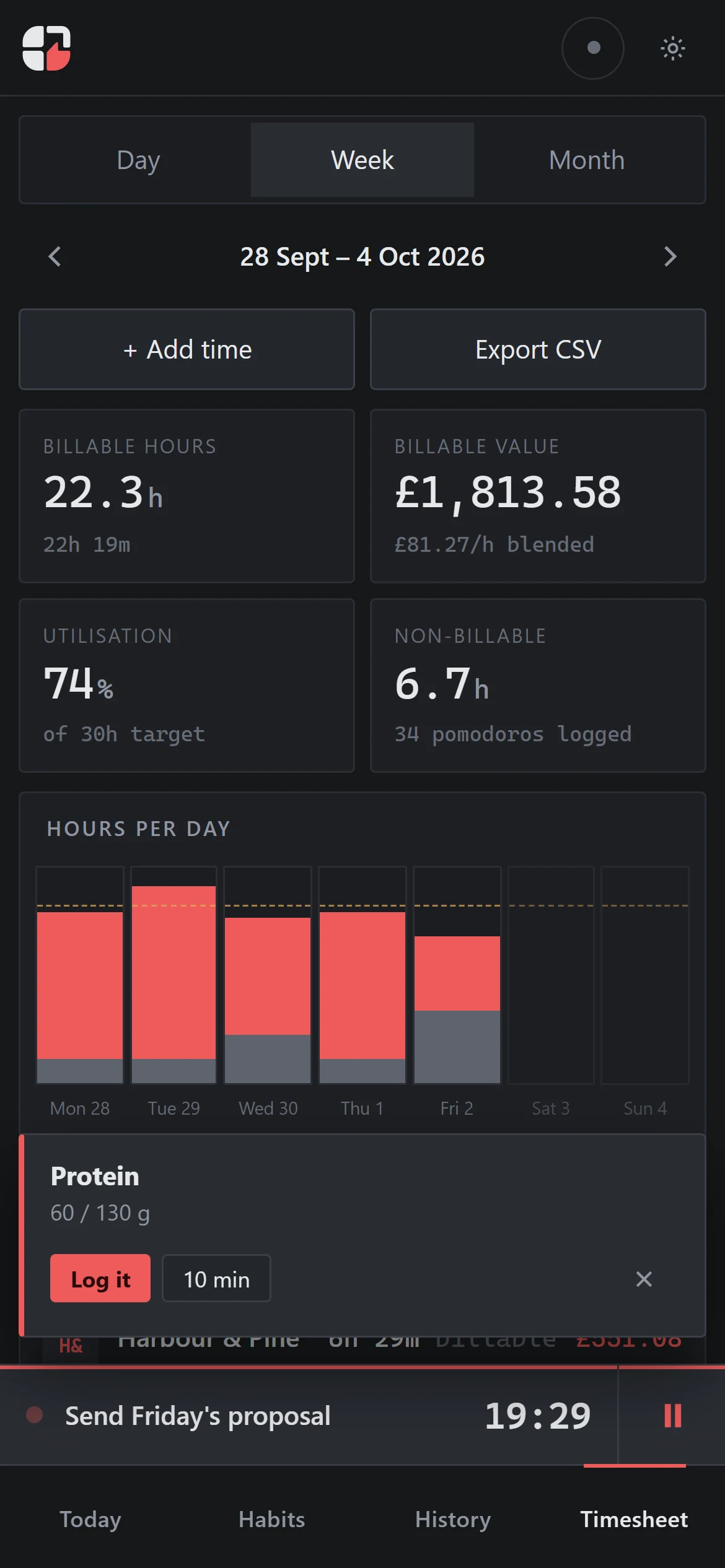
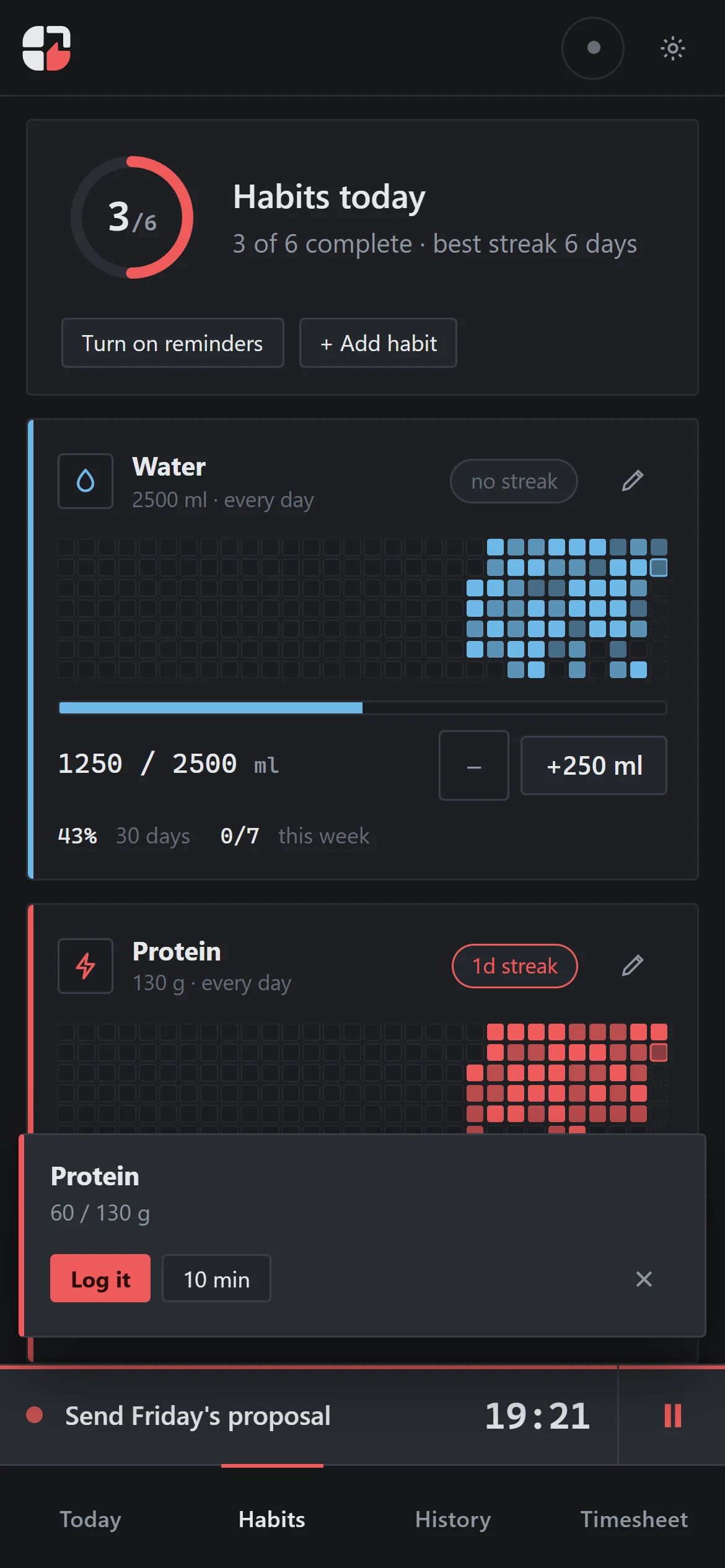
Real screens from the app. The clients and tasks are made up.
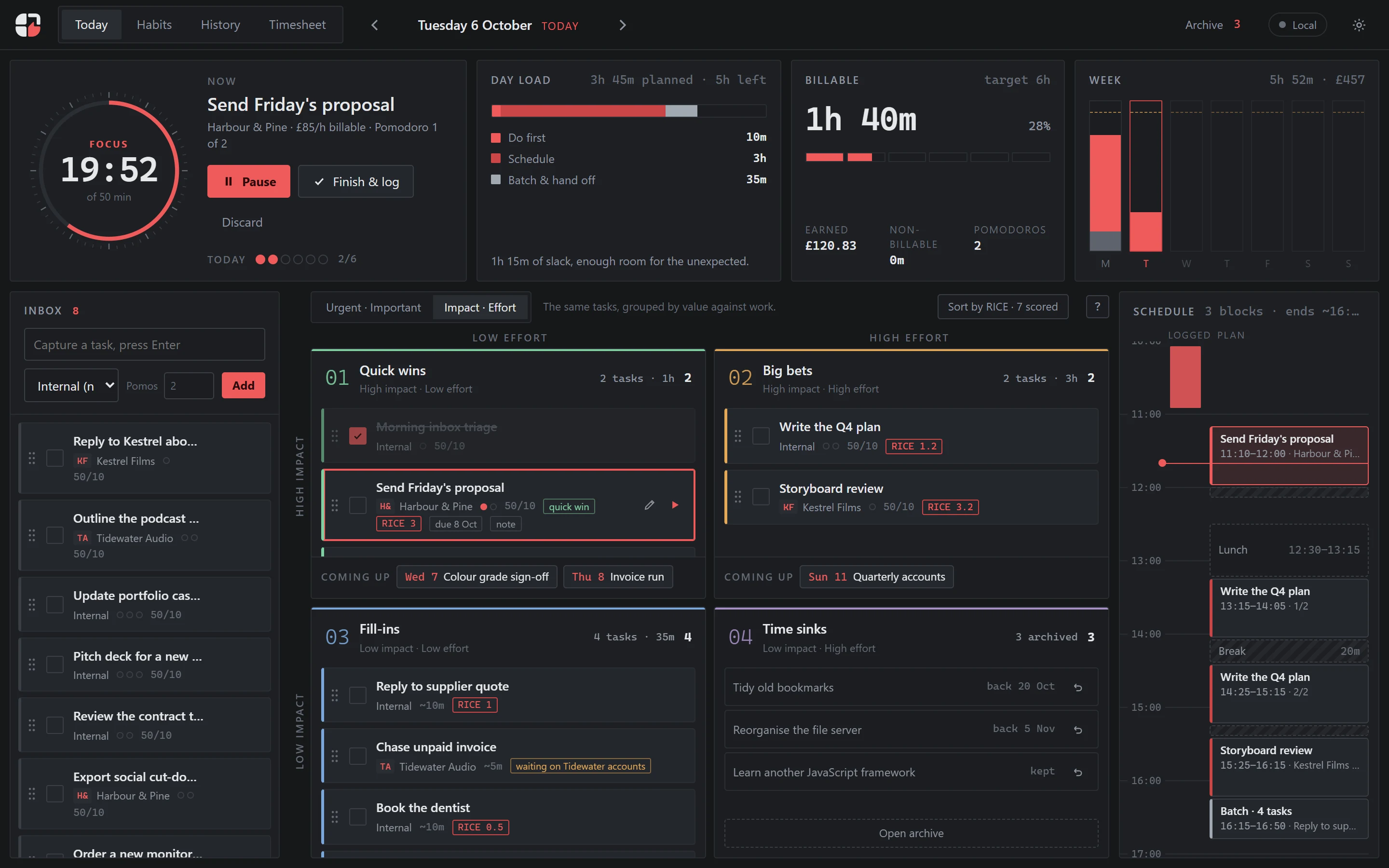
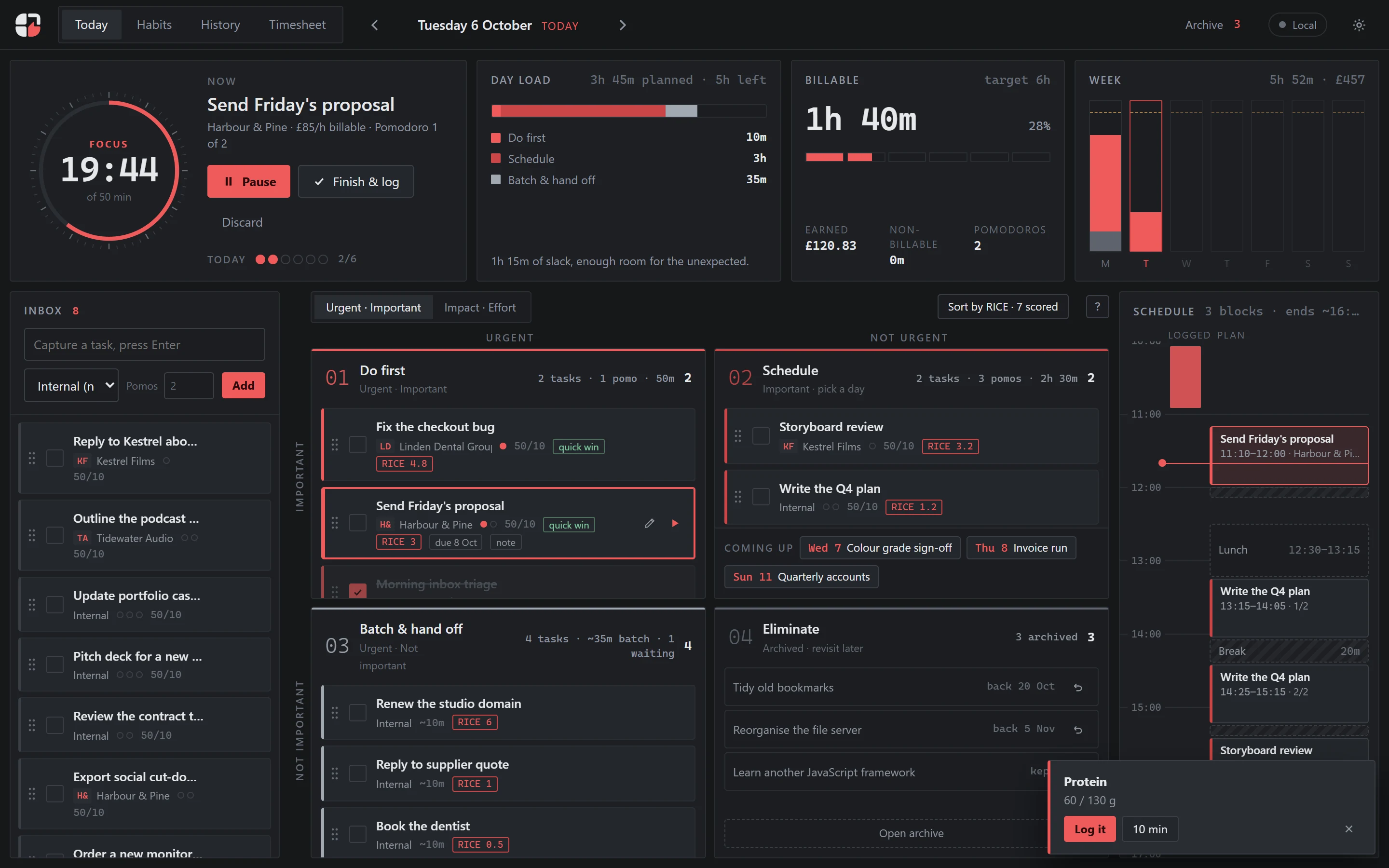
Everything arrives marked urgent.
Messages, requests and notifications all shout at once.
The important work without a deadline gets pushed to “someday”.
Izndo makes you decide first.“The urgent are not important, and the important are never urgent.”QUOTED BY DWIGHT D. EISENHOWER · 1954
He ran the Allied forces in Europe, then a country. You have a list and a day to work with.
Which task will make the biggest difference for the time it takes? Compare the payoff with the effort before you give it your evening.
Reach × Impact × Confidence ÷ Effort. Reach is how many people, projects or outcomes it touches. Confidence is how sure you are it will pay off.
Optional, for when two tasks look equally important.
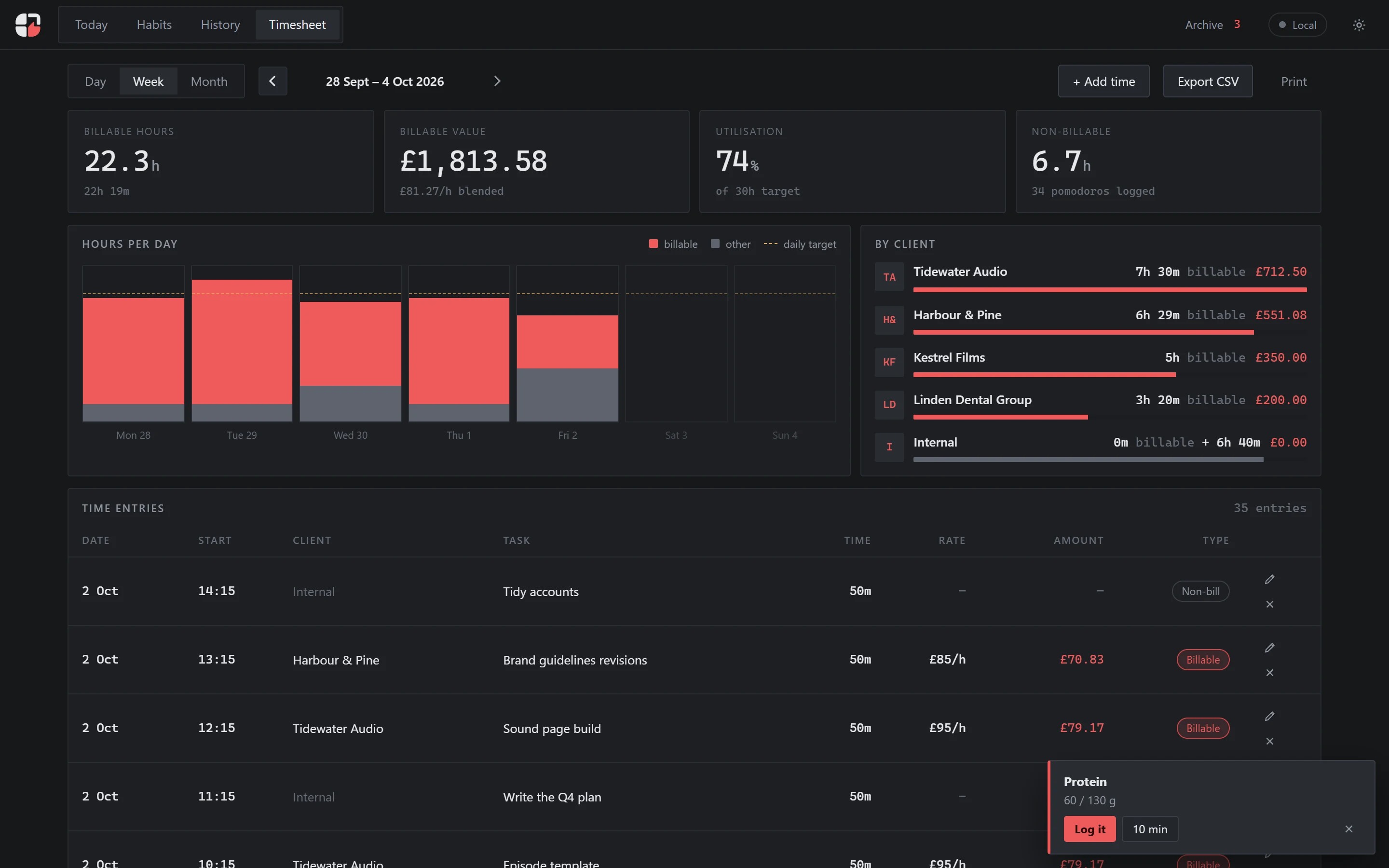
Every focus session logs to its task, and to a client or project if you use them. If you bill by the hour, your timesheet is already done.
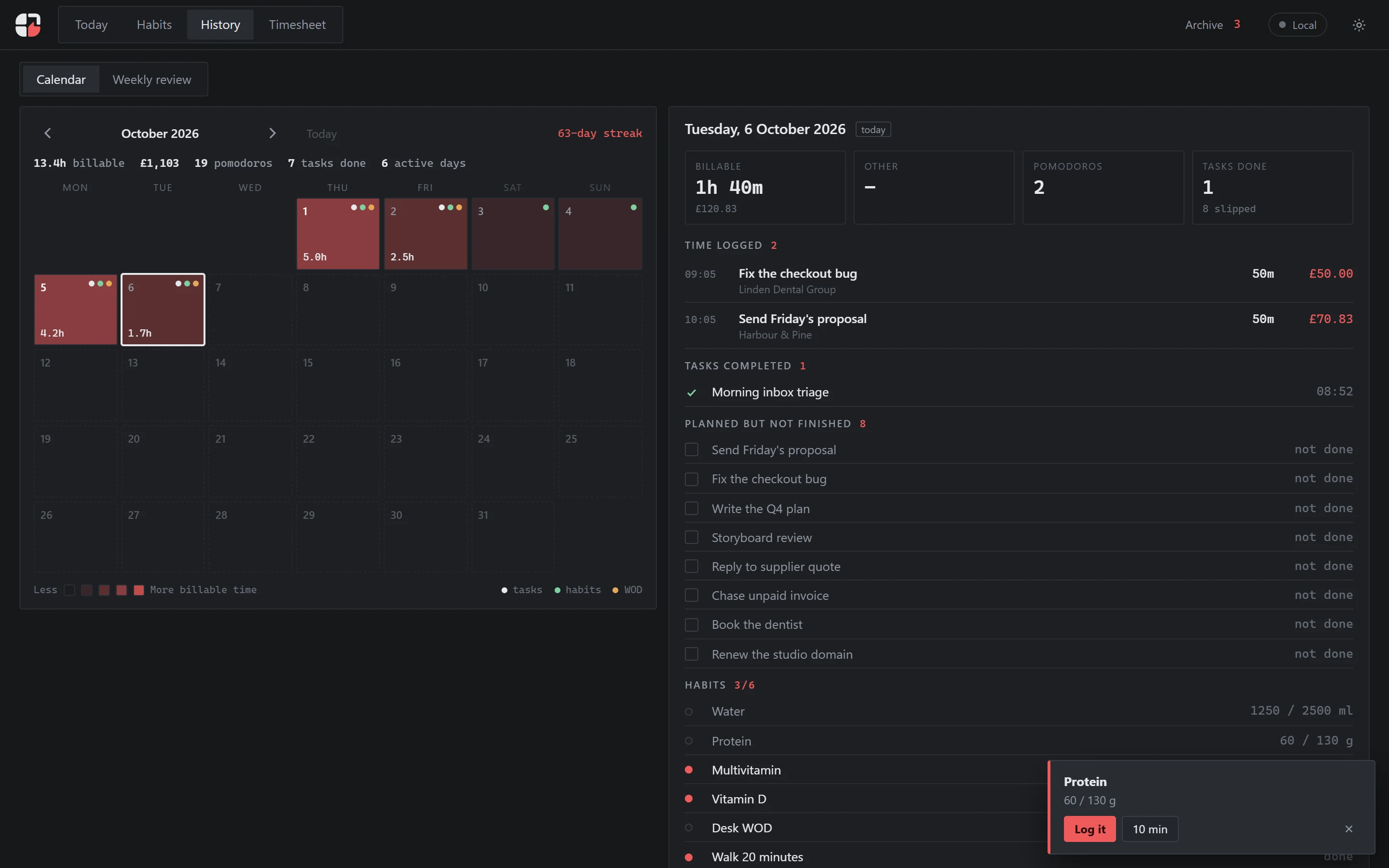
Hours against your target, your best day, what slipped and what's been sitting for two weeks.
Weekly reports, monthly bills, regular check-ins. Tick it off and the next one appears.
Focus sessions with built-in breaks, and logging that stays honest when you stop early.
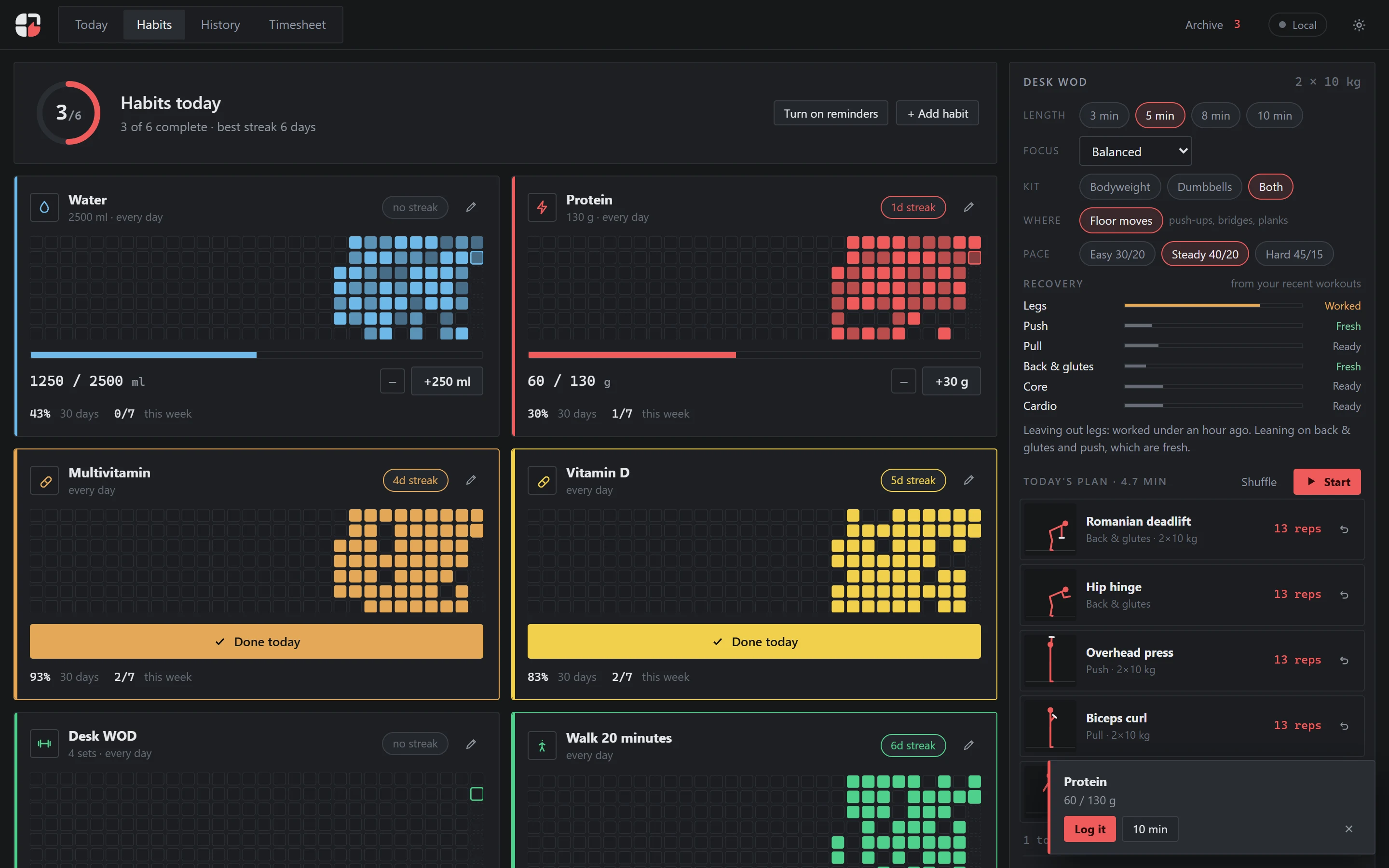
A short workout for the days you sit too long. It remembers which muscles you worked yesterday.
Streaks for the small things that count.
It follows the same rules as dragging a card.
“Put the proposal in Do and move the dentist to Friday.”
Add it to your home screen. Same account, same tasks.
You can download or delete everything.
Max went freelance and now runs his own company, Soda Creative Studios. For years before that he worked in structured places where the day already had a shape: someone else decided what mattered, and when. Going out on his own took that away overnight.
At the same time, AI was changing what one person can build. For the first time he could take almost any idea he had and make it real. That is exciting, but it comes with a catch. When anything is possible, everything feels worth starting. What he needed was not more ideas but discipline.
A friend of his, a neuroscientist, told him about the Eisenhower matrix. You sort every task by two questions: is it urgent, and is it important? It changed the way he prioritises. Each day he could see what deserved his attention and what only felt loud, and the work that mattered most stopped being the work he kept putting off.
Around that he built the rest of his working day: a focus timer that logs every session to the task and the client, so he always knows how much work he has done for whom. Habits, too, with reminders to move and to drink enough water, because when you run the place yourself nobody else is going to remind you.
Izndo is that system. He built it for himself first. It turns out that anyone with more to do than time has the same problem, so it is made for everyone.
Anyone with more to do than time. It was built by a freelancer, so it handles clients and billable hours well, but you don't need either to use it.
Sort tasks by urgency and importance. Do urgent, important work now. Plan important work that can wait. Hand off or batch urgent requests that don't need you. Drop what does neither.
No. It's optional for when two tasks look equally important.
The browser version tracks your time and billable hours. It doesn't create invoices.
Yes. You can download your data or delete it.
Soda Creative Studios Ltd, a UK studio.